Points, stamps, coupons and tiers in one panel. Scan a QR at the till, your guest keeps the card on their phone. Setup takes an afternoon.
No card required · 14 days free · Works with your POS
Points, stamps or tiers. Define the rules in minutes, or start from a ready template.
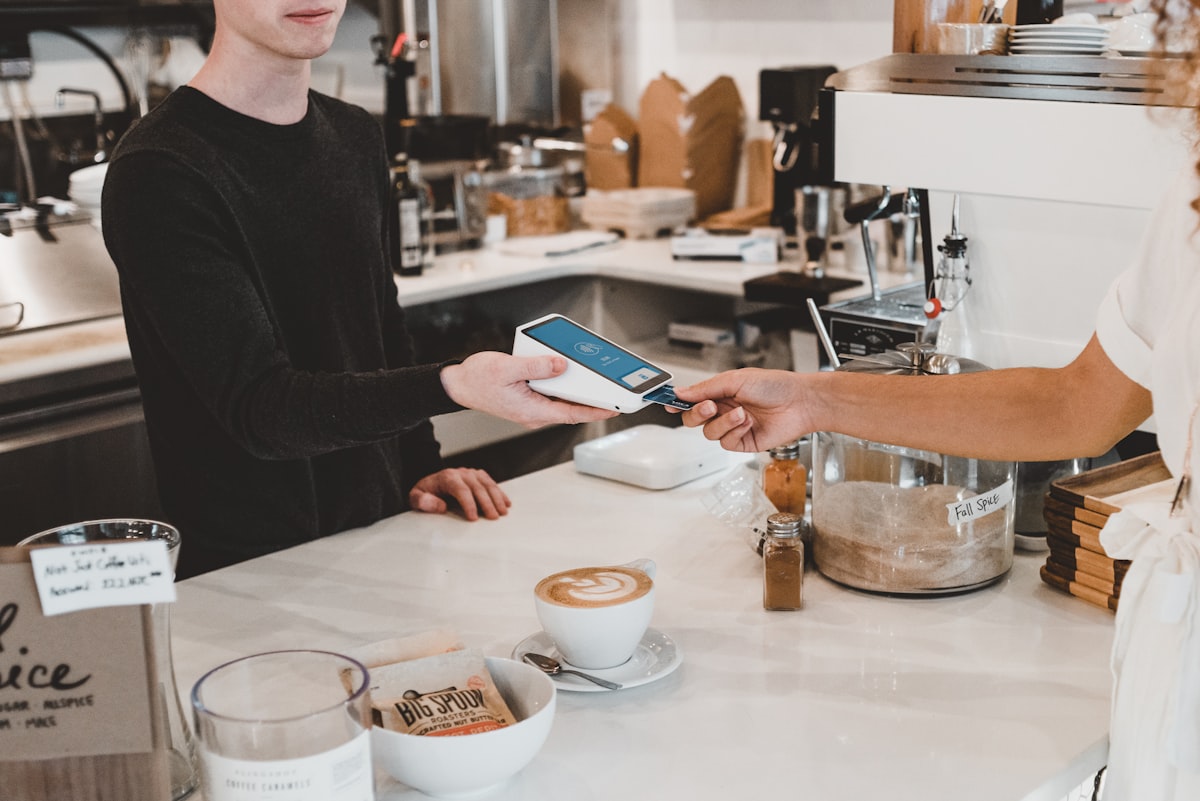
The guest shows a QR, the cashier scans it. A tablet, a phone or your existing POS screen is enough.
Birthdays, lapsed guests, campaigns. Automations send the right message at the right time and the report shows the result.
How a single transaction looks on the guest's phone and on the till screen. Nothing else in between.
The QR lives on the guest's phone, in the app or in a browser. On a first visit they scan the code at the counter and join.
They show the code, and they are recognised in a second. Nobody has to ask for a name or type in a phone number.
Points post, a stamp fills, the tier moves up. All three update on the phone at the same moment.
Once it is earned, the reward appears at the till on its own. No one has to remember it and no paper coupon is needed.
Points, stamps or both? How much on which product? You define it in the campaign builder.
The till screen runs in the browser at the counter and applies the rule you set. No mental arithmetic for the cashier.
Available rewards, the tier and the remaining points are written on the till screen. The cashier only confirms.
Which branch, which campaign, how many rewards were used — all of it broken down by branch in the panel.


Points per spend or the classic tenth coffee free. Run both at the same time.
Bronze, silver, gold. The more a guest climbs, the more they earn and the more reason to stay.
Time-boxed, branch-specific or single-use coupons, with usage limits and stock control.
One screen, two seconds. If the connection drops it queues offline and syncs when it returns.
Published on iOS and Android under your own brand. Digital wallet cards supported too.
A gift is issued three days before the birthday, with a reminder if it goes unused.
Return rate, revenue per guest, reward cost. Broken down by branch and cashier.
Each branch runs its own campaigns while head office keeps full visibility.
Both sides earn. Built-in checks block fake sign-ups.
It all arrives in the same account. Anything you don't use can stay switched off.
Which campaign lifted revenue, which branch is losing guests, what rewards actually cost. One screen, updated daily.
Rules, rewards and reports arrive preconfigured for your sector. Change any of them one by one.
Most of the time goes into typing in the menu; the rest is picking a few rules. There is no hardware to buy — a browser at the counter is enough.
A business name and an email. The panel runs in the browser; there is nothing to install.
Your branches, your menu and the product options. This is the longest step of the four.
Points or stamps, and what each reward costs. Start from a ready setup and change it as you like.
Open the till screen and sign in as a cashier. The first QR can be scanned the same day.
The system runs independently of your POS — a tablet, a phone or your existing screen at the till is enough. If you want data to flow between them, we connect through the open REST API and webhooks.
Half a day on average for a single branch. We handle menu and rule configuration; cashier training is a fifteen-minute call.
No. They can join over the web with a QR or through a digital wallet card. For brands that want one, we publish an app under your own logo.
Guest data is entirely yours. Export it any time and have it permanently deleted when you close the account. A GDPR/KVKK-compliant consent flow is built in.
In a fifteen-minute demo we set it up together with your own menu.
We use the cookies the site needs to work. For advertising cookies, which tell us whether our ads are working, we ask first. More detail